Atelier
The workspace a studio or agency runs on. Whether the month will hit its goal, who is busy on what, and whether each project still makes money, with a home dashboard people rearrange.
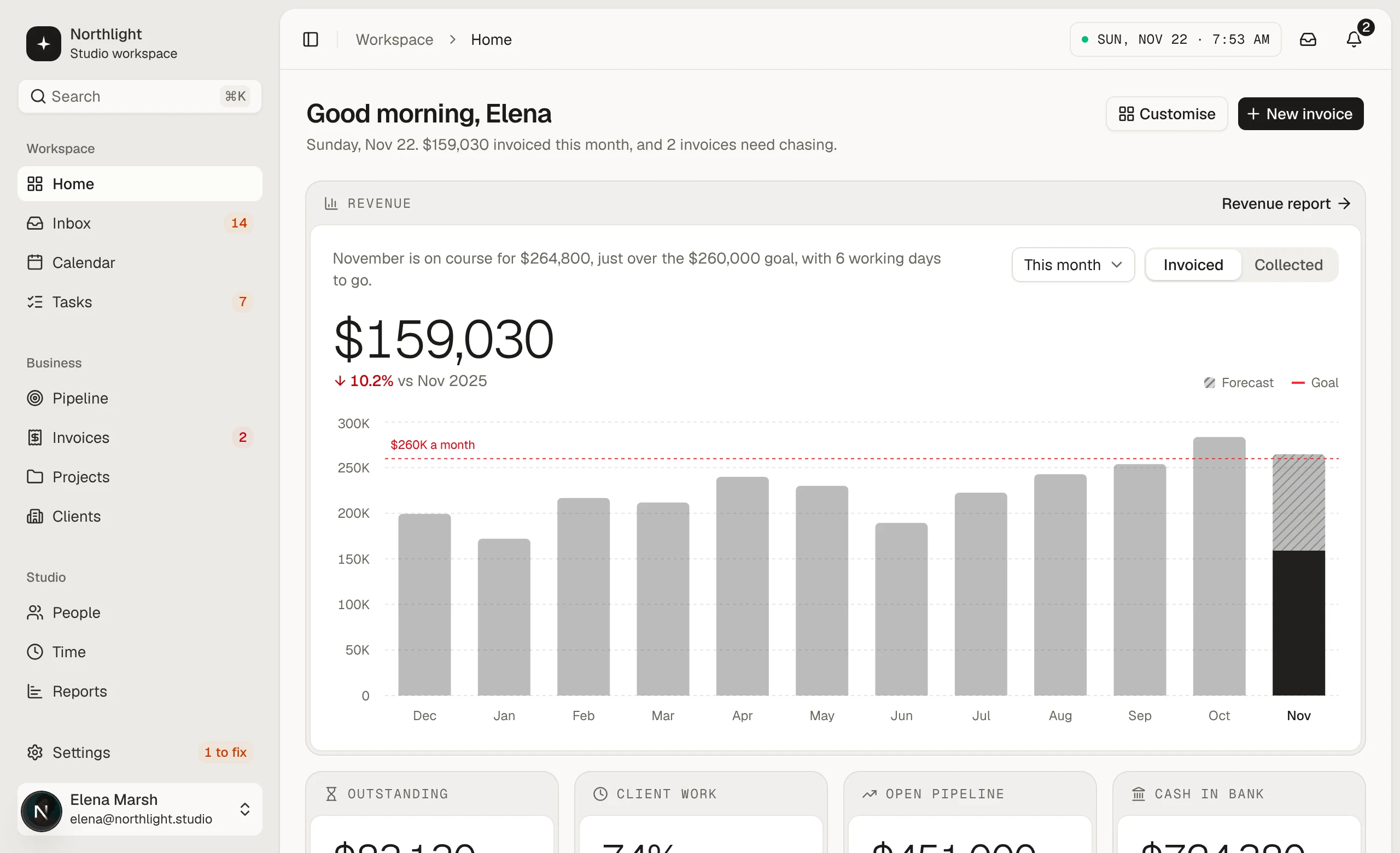
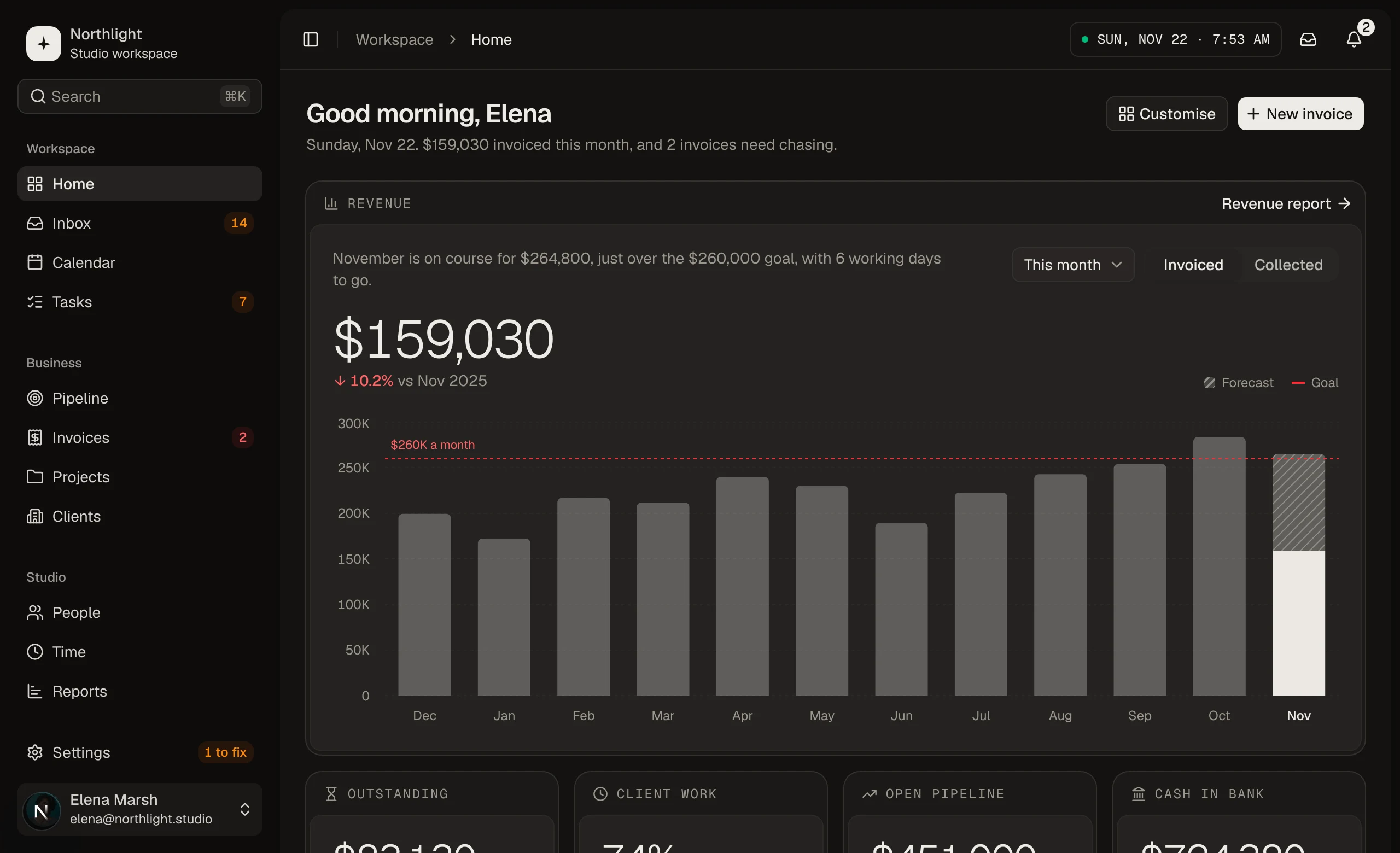
- Pages
- 36Home, Inbox, Calendar, Tasks, Pipeline, Invoices, Projects, Clients, People, Time, Reports and Settings, with a page for each deal, invoice, project, client and person.
- Roles
- 3Owner, manager and member.
- Component libraries
- 3Base UI, Radix UI or React Aria.
- Icon libraries
- 5From Lucide to Remix Icon, swapped on install.
Pages
Each opens in the live preview, on the sample data.
- Home (opens in a new tab)
- Inbox (opens in a new tab)
- Snoozed (opens in a new tab)
- Done (opens in a new tab)
- Calendar (opens in a new tab)
- Tasks (opens in a new tab)
- Team tasks (opens in a new tab)
- Done tasks (opens in a new tab)
- Pipeline (opens in a new tab)
- Closed deals (opens in a new tab)
- Deal (opens in a new tab)
- Invoices (opens in a new tab)
- Draft invoices (opens in a new tab)
- Paid invoices (opens in a new tab)
- All invoices (opens in a new tab)
- New invoice (opens in a new tab)
- Invoice (opens in a new tab)
- Projects (opens in a new tab)
- Done projects (opens in a new tab)
- Project (opens in a new tab)
- Retainer (opens in a new tab)
- Clients (opens in a new tab)
- Leads (opens in a new tab)
- Past clients (opens in a new tab)
- Client (opens in a new tab)
- People (opens in a new tab)
- Person (opens in a new tab)
- Timesheets to approve (opens in a new tab)
- Time (opens in a new tab)
- Reports (opens in a new tab)
- Settings (opens in a new tab)
- Invoice settings (opens in a new tab)
- People settings (opens in a new tab)
- Time off settings (opens in a new tab)
- Apps (opens in a new tab)
- Plan and billing (opens in a new tab)
What you get
The whole app as source in your project, ready to wire to your own data.
Route files for Next.js
Each page is a server component that loads its data, with a loading state while it does.
One sample API
lib/atelier/apiholds typed async functions over a sample studio’s people, projects, bookings, time, deals, invoices and clients. Rewrite their bodies for your own database and the pages stay as they are.Numbers that agree
A project’s spend comes from the time logged on it, and its invoices from the time not billed yet, so budgets, time and invoices tell one story.
Writes that work
Book people, log and approve time, move deals, build and send invoices from unbilled work, record payments, run tasks and the inbox, and manage people, apps and the plan. Each person arranges their own Home.
Made of the blocks
Every part is a Dashboardblocks block that installs with it, in your shadcn style, component library and icon set.
Install Atelier
Atelier comes with All-Access and installs with the shadcn CLI, in three steps.
Add the registry
Add
@dashboardblocks-proto theregistriesincomponents.json. Keep thewww: a redirect to another host drops the token.components.json { "registries": { "@dashboardblocks": "https://www.dashboardblocks.com/r/{style}/{name}.json", "@dashboardblocks-pro": { "url": "https://www.dashboardblocks.com/r/pro/{style}/{name}.json", "headers": { "Authorization": "Bearer ${DASHBOARDBLOCKS_TOKEN}" } } } }Add your token
Create a token on your account page and put it in
Create a token.env.local, next tocomponents.json. In CI, set it as a secret instead..env.local DASHBOARDBLOCKS_TOKEN=dbp_…Install Atelier
Run it in a new Next.js 16 project from
shadcn create. It adds every page and the blocks they use. Then runnpm run devand open/home.Terminal npx shadcn@latest add @dashboardblocks-pro/atelier-next --overwrite