Hindsight
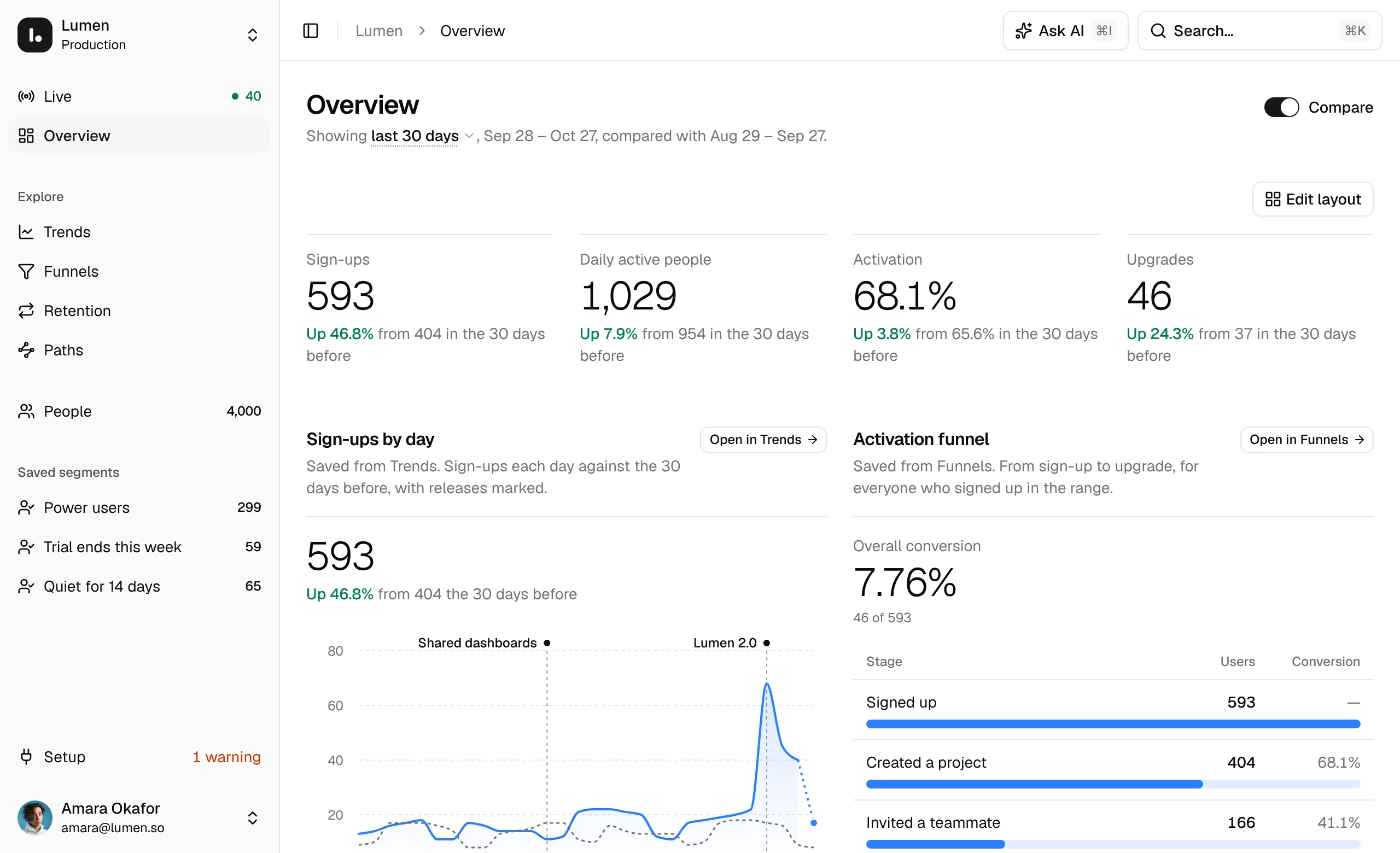
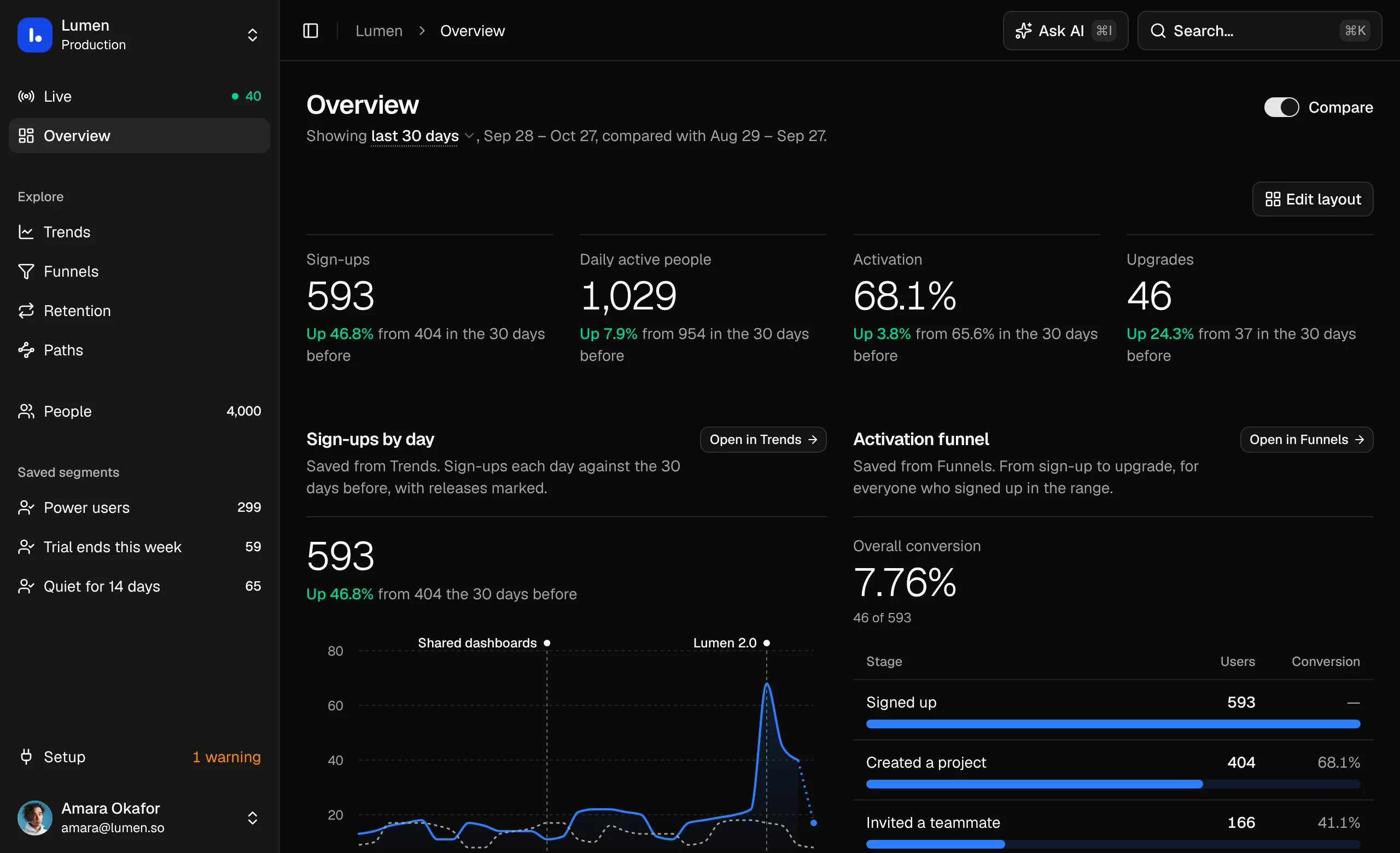
Product analytics that opens on what’s happening right now. Visits lighting up on a live map, trends, funnels, retention and paths, and the people behind every number.
- Pages
- 9Live, an Overview board, four explorers, People with saved segments, and Setup, with a page for each person.
- Component libraries
- 3Base UI, Radix UI or React Aria.
- Icon libraries
- 5From Lucide to Remix Icon, swapped on install.
Pages
Each opens in the live preview, on the sample data.
What you get
The whole app as source in your project, ready to wire to your own data.
Route files for Next.js
Each page is a server component that loads its data, with a loading state while it does. Live refreshes itself while you’re looking at it.
One sample API
lib/hindsight/apiholds typed async functions over sample events. Rewrite their bodies for your own event store and the pages stay as they are.Ask AI on every page
askstreams AI SDK message parts, tool calls and sources included. Swap the sample answers for your model’s stream.Writes that work
Save, change and delete segments, save the people behind a funnel step, a retention cohort or a path as one, and send a test event or run the checks from Setup.
Made of the blocks
Every part is a Dashboardblocks block that installs with it, in your shadcn style, component library and icon set.
Install Hindsight
Hindsight comes with All-Access and installs with the shadcn CLI, in three steps.
Add the registry
Add
@dashboardblocks-proto theregistriesincomponents.json. Keep thewww: a redirect to another host drops the token.components.json { "registries": { "@dashboardblocks": "https://www.dashboardblocks.com/r/{style}/{name}.json", "@dashboardblocks-pro": { "url": "https://www.dashboardblocks.com/r/pro/{style}/{name}.json", "headers": { "Authorization": "Bearer ${DASHBOARDBLOCKS_TOKEN}" } } } }Add your token
Create a token on your account page and put it in
Create a token.env.local, next tocomponents.json. In CI, set it as a secret instead..env.local DASHBOARDBLOCKS_TOKEN=dbp_…Install Hindsight
Run it in a new Next.js 16 project from
shadcn create. It adds every page and the blocks they use. Then runnpm run devand open/live.Terminal npx shadcn@latest add @dashboardblocks-pro/hindsight-next --overwrite