Orion
An AI assistant for teams, on a real model. Chats with thinking, web search and files, a canvas for documents and charts, projects, research, connectors, usage limits and team admin.
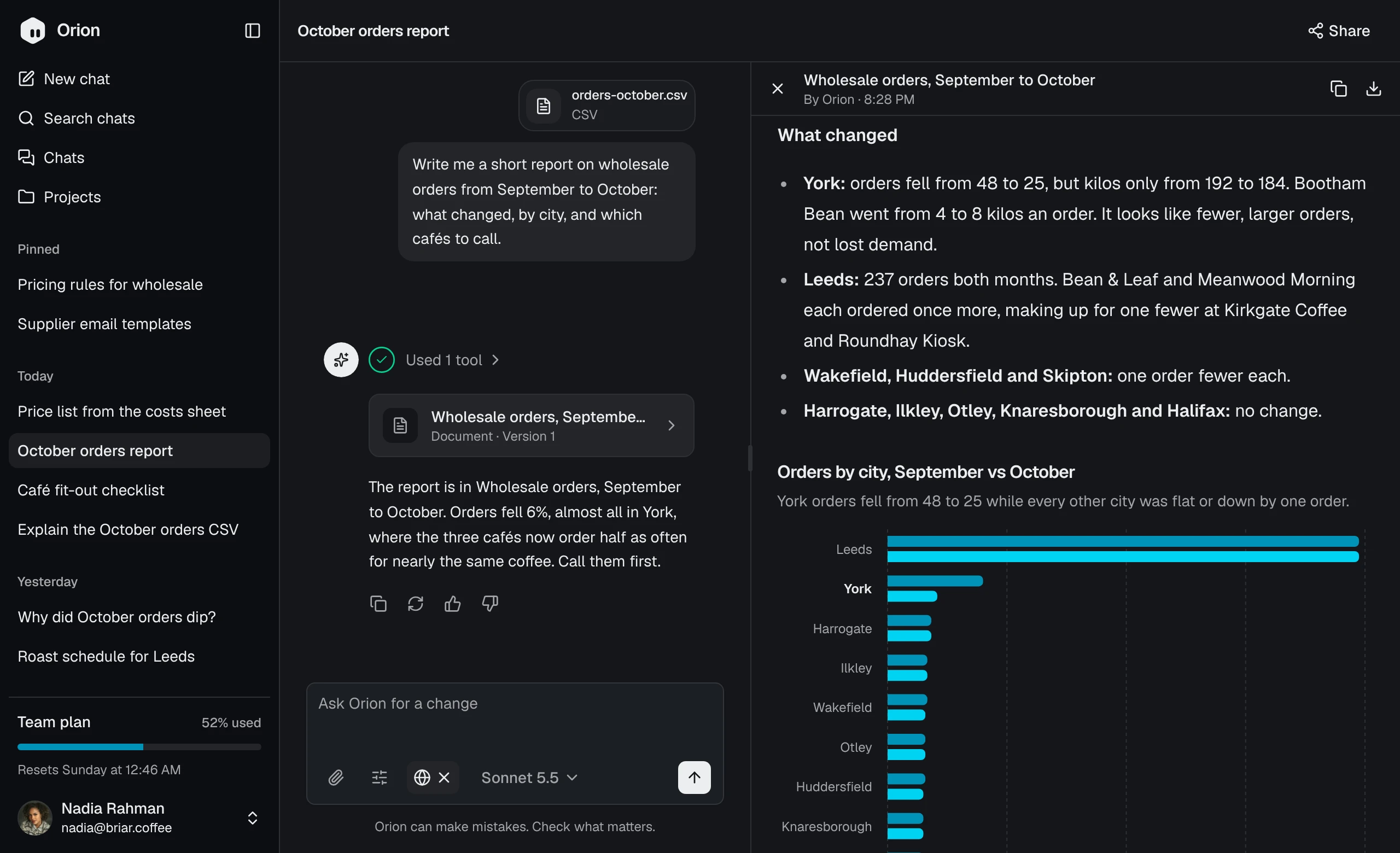
- Pages
- 18New chat, Chats, Projects, Search, Connectors, Usage and plan, Settings and the admin’s workspace pages, with a page for each chat, project and connector.
- Roles
- 2Admin and member.
- Component libraries
- 3Base UI, Radix UI or React Aria.
- Icon libraries
- 5From Lucide to Remix Icon, swapped on install.
Pages
Each opens in the live preview, on the sample data.
- New chat (opens in a new tab)
- Chats (opens in a new tab)
- Projects (opens in a new tab)
- Project (opens in a new tab)
- Chat (opens in a new tab)
- Search (opens in a new tab)
- Connectors (opens in a new tab)
- Connector (opens in a new tab)
- Usage and plan (opens in a new tab)
- Shared chat (opens in a new tab)
- ProfileSettings (opens in a new tab)
- PersonalisationSettings (opens in a new tab)
- Data controlsSettings (opens in a new tab)
- MembersWorkspace (opens in a new tab)
- Roles and modelsWorkspace (opens in a new tab)
- UsageWorkspace (opens in a new tab)
- PoliciesWorkspace (opens in a new tab)
- SecurityWorkspace (opens in a new tab)
What you get
The whole app as source in your project, ready to wire to your own data.
A real model
Replies stream from Claude through the AI SDK, with thinking, web search, files and Stop. Another provider starts in
lib/orion/ai/models.ts.One sample API
lib/orion/apiholds typed async functions over a sample workspace’s chats, projects, documents, members and plan. Rewrite their bodies for your own database and the pages stay as they are.Usage that works in the chat
Each reply counts what it cost against the plan’s session and weekly budgets. At the limit, people keep the fast model, and extra usage pays for the rest.
Connectors that sign in
Google Drive, Notion, Slack, Gmail, Linear and GitHub connect over MCP: Notion and Linear as they are, the others with an OAuth app of your own. An admin decides which apps the workspace may connect, and each person sets what their tools may do.
Made of the blocks
Every part is a Dashboardblocks block that installs with it, in your shadcn style, component library and icon set.
Install Orion
Orion comes with All-Access and installs with the shadcn CLI, in four steps.
Add the registry
Add
@dashboardblocks-proto theregistriesincomponents.json. Keep thewww: a redirect to another host drops the token.components.json { "registries": { "@dashboardblocks": "https://www.dashboardblocks.com/r/{style}/{name}.json", "@dashboardblocks-pro": { "url": "https://www.dashboardblocks.com/r/pro/{style}/{name}.json", "headers": { "Authorization": "Bearer ${DASHBOARDBLOCKS_TOKEN}" } } } }Add your token
Create a token on your account page and put it in
Create a token.env.local, next tocomponents.json. In CI, set it as a secret instead..env.local DASHBOARDBLOCKS_TOKEN=dbp_…Install Orion
Run it in a new Next.js 16 project from
shadcn create. It adds every page and the blocks they use.Terminal npx shadcn@latest add @dashboardblocks-pro/orion-next --overwriteAdd your API key
Replies come from Claude through the AI SDK, so put your Anthropic API key in
Get a key (opens in a new tab).env.local. Then runnpm run devand open/new..env.local ANTHROPIC_API_KEY=sk-ant-…